-
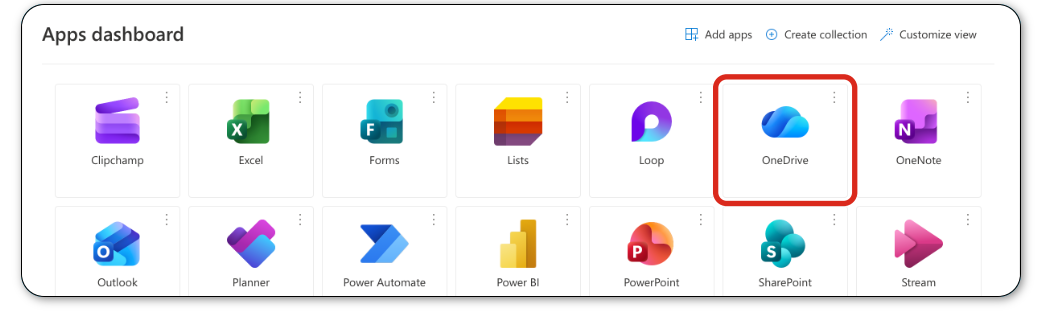
Web Browser: Go to myapps.microsoft.com, sign in, and click the OneDrive icon to access all your files from any computer.
-
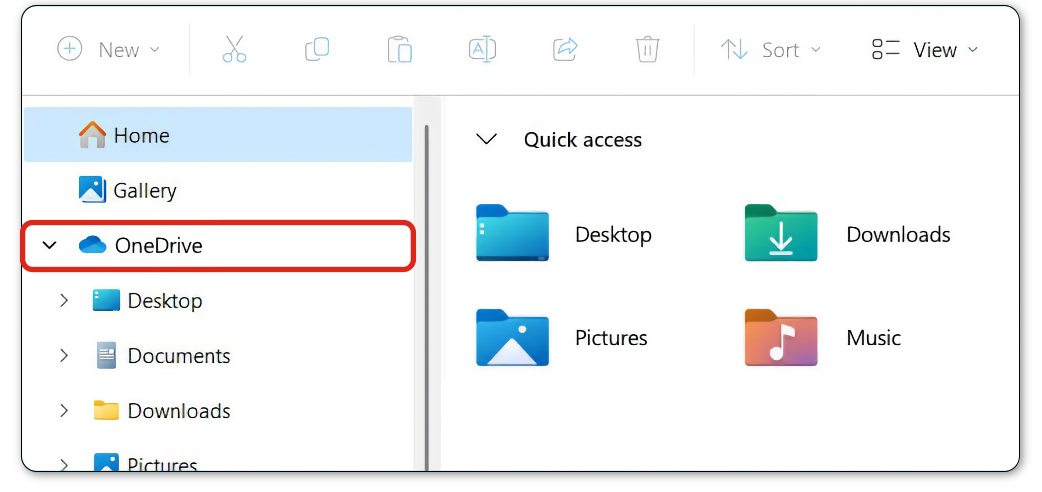
OneDrive Desktop App: Installed on Windows or Mac, this creates a OneDrive folder in File Explorer or Finder that syncs automatically with the cloud.
-
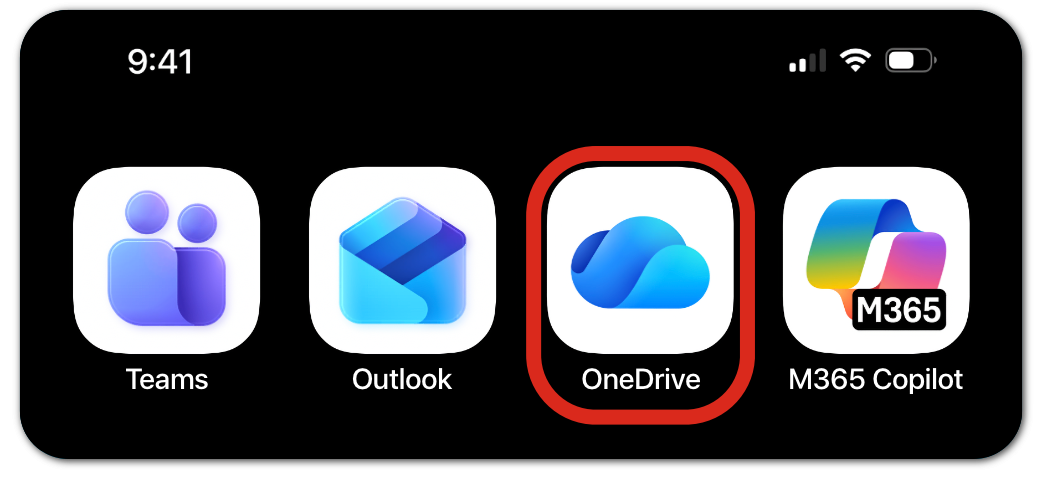
Mobile App: Access, edit, share, and upload documents or photos on the go.
-
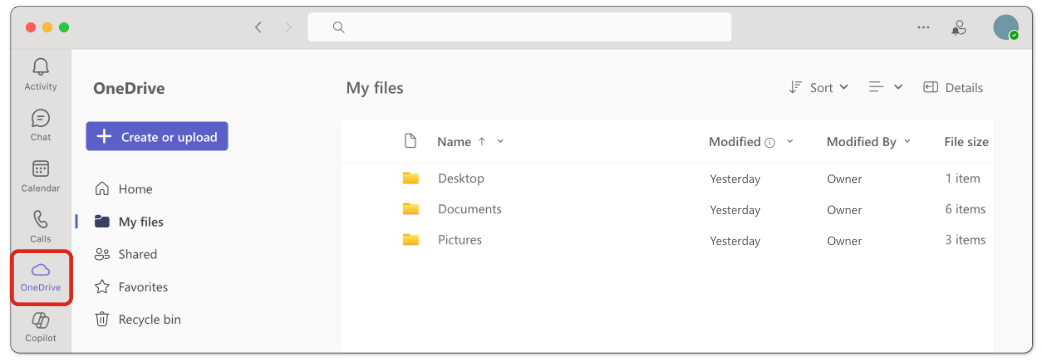
Microsoft Teams: Access OneDrive files directly within Teams for easy sharing without leaving the app.